There Is No Rename Button: What Happens When You Change a Worker's Name
A helper Worker was called ics-shared. The function it exposed was called share. I wanted the names to match, so I asked for a rename. In wrangler.toml that is a one-line change: edit name, deploy.
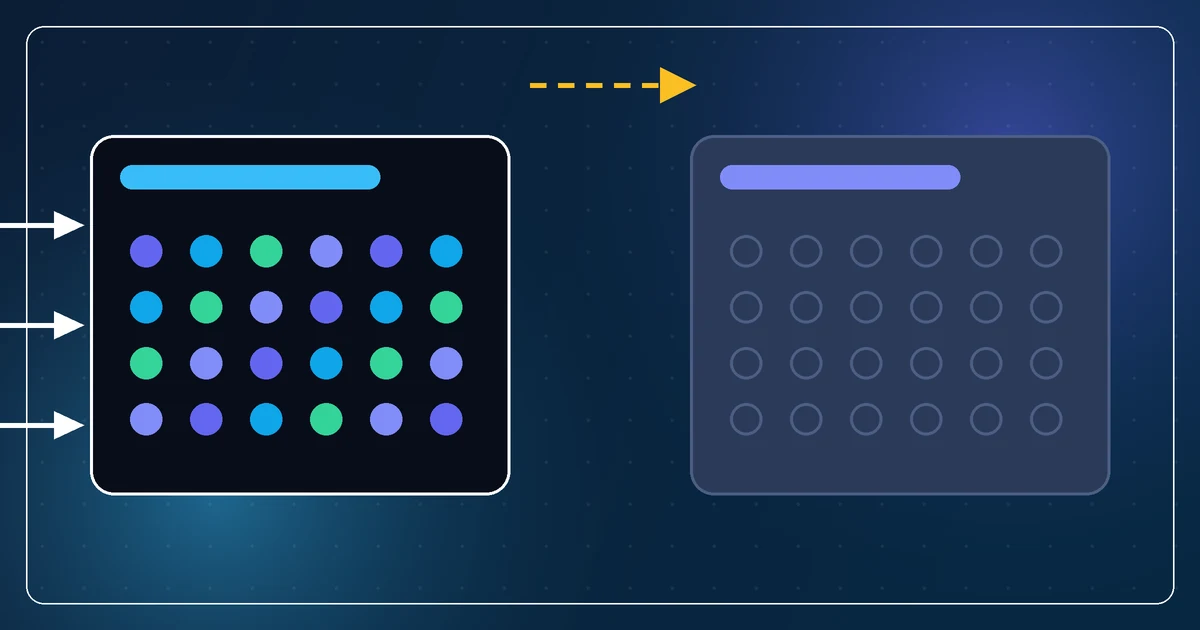
It deployed. A brand-new Worker appeared, with the new name, empty Durable Object storage, and no traffic. The old Worker kept running next to it, with all its data, answering every request. Nothing had been renamed. Something had been cloned without its contents.
Why there is no rename
A Worker's name is its identity on the platform. Service bindings reference it by name. Routes reference it by name. Durable Object namespaces hang off it. When you deploy with a different name, Cloudflare has no way to know you meant "the same thing, called something else" rather than "a new thing". So it makes a new thing.
The data stays with the old name because the data belongs to the old Worker's Durable Objects. The new Worker has its own namespace, and that namespace starts empty.
Every site that used the helper had a service binding that named ics-shared. Those bindings did not move. They pointed at the old Worker, which still existed, so nothing broke and nothing told us. The new Worker just sat there with its new name and zero requests.
What it actually takes
Treat a rename as a migration, because it is one.
- Deploy the new Worker under the new name. Accept that it is empty.
- Move any data the old one holds, or decide you can live without it. In our case the only data was test data, which is the whole reason this was cheap.
- Change every service binding on every consumer to the new name. On a Pages site that means the binding in
wrangler.tomland the variable name the code reads, in the same release, or the site will deploy pointing at a Worker that is not there. - Verify the consumers actually hit the new Worker. Look at its request count, not at the deploy status.
- Delete the old Worker, as a separate step, after a person has said yes.
Step five is the one I want to underline. Deleting the old Worker is the only destructive step in the sequence, and it is also the only step that confirms the rename "took". My assistant proposed it, listed exactly what would be lost, and waited. That is the right behavior for anything that cannot be undone.
When to do it
Rename before anything real depends on the name. The moment a production site binds to a Worker, or a Durable Object holds a user's data, the cost of a rename goes from one release to a migration with a data copy in the middle.
We got lucky. The helper was new, the only state was test data, and the bindings were on two sites. The same change three months later would have been an afternoon with a rollback plan.
The general shape
This is not really a Cloudflare lesson. It is a lesson about any system where a name is an identity rather than a label. Databases, queues, buckets, service accounts. "Rename" in those systems always means "create new, move contents, repoint consumers, delete old", and the platform's one-line config change hides all four steps behind the first one.
When the assistant says "rename it", ask which of those four steps it is actually going to do. Usually the answer is "the first one, and we will find out about the others when traffic stops".