The Spec Said 640x920 Minimum. It Lied.
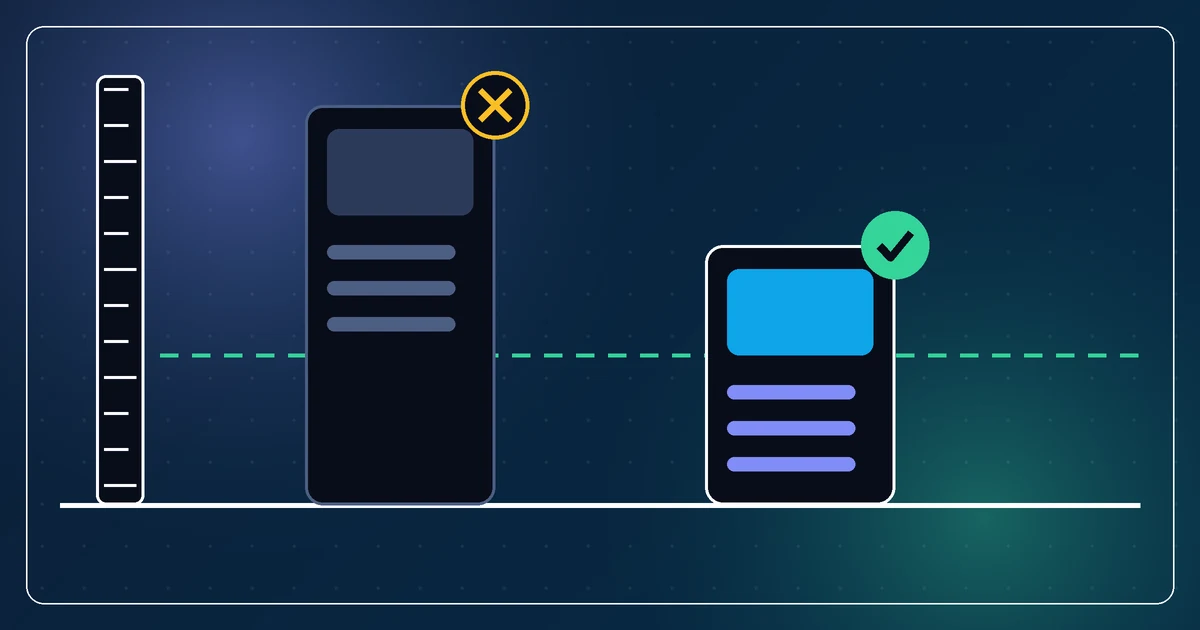
Apple's documentation for one of the App Store upload fields says the image must be "640x920 pixels minimum". I uploaded a 1320x2868 image, comfortably over that in both directions. Rejected for wrong dimensions.
Then I uploaded a 1242x2208 image. Also over the minimum, and smaller than the one that failed. Accepted.
What the validator was actually doing
The uploader was not checking the rule in its own documentation. It was checking the image against a list of known device screen sizes, and that list had not been updated for recent hardware. 1242x2208 is an old iPhone Plus. 1320x2868 is a current one. The validator had never heard of it.
It got worse. The same page had a second upload field, and that field accepted 1320x2868 without complaint. So the evidence "this exact file works over there" was true, and actively misleading. Two fields, one screen, two separate validators with two separate histories.
We got through it by generating the same image at three historically common sizes and trying them from oldest to newest. The oldest one worked first time.
Docs describe intent, validators encode history
The documentation tells you what the field is meant to accept. The validator tells you what it has been taught to accept, one bug report at a time, over years. Those drift apart, and the direction of drift is always the same: the docs get updated when a policy changes, the validator gets updated when someone complains.
So when you have satisfied the documented constraint and the thing still fails, re-reading the docs is the wrong move. You have already extracted everything the docs know. Start probing the validator instead. Change one dimension at a time. Try the values other people are known to have used.
Why the assistant kept re-reading the docs
This is a case where an AI assistant is at a real disadvantage. Its instinct, and mine, when something fails against a stated rule is to check the rule more carefully. It re-read the page. It quoted the minimum back to me. It confirmed the image exceeded it. All correct, all useless, because the documentation was not the thing rejecting the upload.
The assistant can only reason about the validator by watching it behave. It has no page to read. So the loop that worked was the boring one: make a hypothesis about what the validator wants, construct the input, submit, observe. The assistant is good at that loop once you point it at the validator rather than the docs. The pointing is the part I had to do.
Three habits from this
When probing an opaque validator, try the oldest widely-used value first. It has had the most time to be supported everywhere. New hardware is where validators lag. Old hardware is where they were written.
Never generalize "format X worked in field A" to field B. Separate fields on one screen can run completely separate validation code. Treat each one as its own system until it proves otherwise.
Keep the working value in the repo. The size that got through is now a comment in the asset generation script, with the date and the words "the validator rejects larger sizes despite the documented minimum". The next person to hit this, probably me, should not have to rediscover it.
The documentation still says 640x920 minimum. It is not wrong exactly. It just describes a validator that does not exist yet.