Ten Green Ticks and Four Wrong Answers
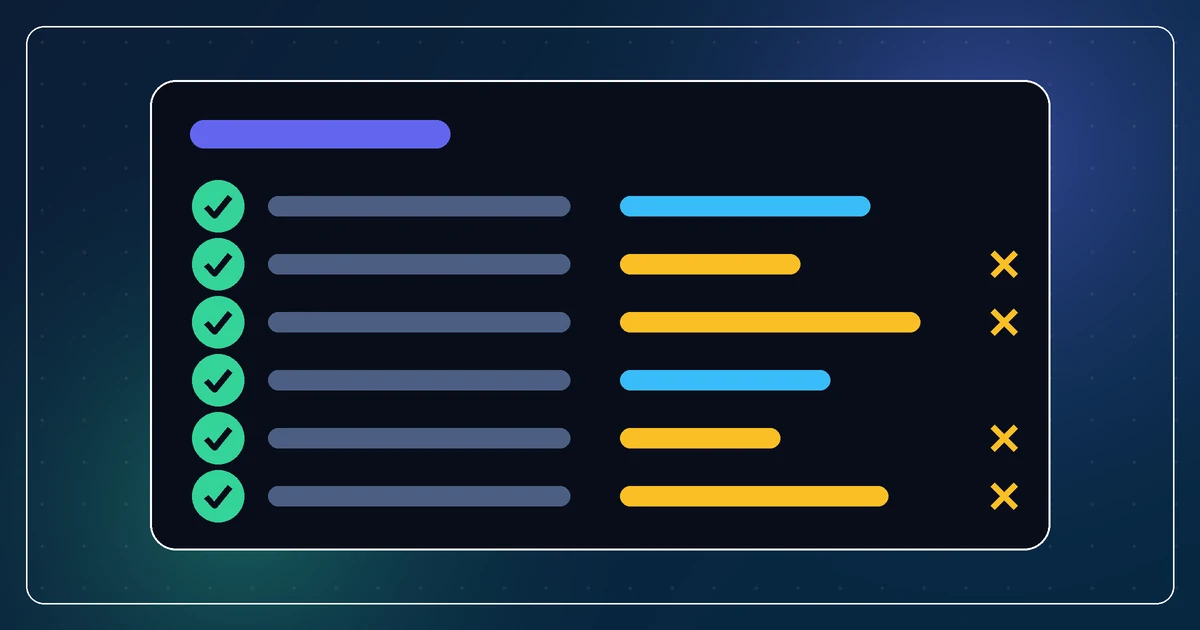
I went to submit an Android app that had been sitting as a draft since July. The store console's policy page showed ten declarations, all complete. Every row had a tick and a date. Nothing needed attention.
Four of those settled values were wrong. One of them was permanent after the first publish.
What a green tick actually certifies
The app was set to Paid.
Its own store description promises that rolling dice is free, unlimited and offline, forever. Its entire revenue model is a single in-app purchase. Paid was not a slightly suboptimal choice, it was the opposite of the product.
The store locks the free versus paid choice permanently at first publish. So that error had a deadline measured in one click, and there is no support ticket that undoes it.
The privacy policy URL pointed at a different product entirely, and returned a 404.
The target age group was set to "aged 5 and under," which silently enrolls a tabletop dice utility in the families program: child-appropriate content review, restricted ad networks, extra privacy obligations. My own spec file for the app says in as many words that it must not go near that program.
And the store artwork was two redesigns out of date.
None of this was flagged, and the console was not lying to me. Every question had been answered. "Answered" is the only thing a completion state can measure.
A checklist tells you the form is complete. It has no opinion about whether the form is correct.
Anything that tracks completeness separately from correctness will lie
That is the generalizable bit, and it is not really about app stores.
Any system that stores a value and separately stores whether you have finished entering it will cheerfully report the second while being wrong about the first. Onboarding wizards. Infrastructure config. Environment variables in a dashboard. A setup script that records "step 4 done." Every one of them is measuring your progress through the form, not the state of the world.
The values were all entered by me, months earlier, in a hurry, probably while trying to get past a modal that would not let me continue. Past me answered them. Past me was not thinking about any of them.
So the rule I now use is a cost comparison, not a policy. If the cost of a wrong value is high and the cost of reading it is low, read it. Opening four settled declarations took about four minutes. Each one was wrong. There is no ratio in software that beats that.
Read which component the error is about
The second half of the same session had the better lesson in it.
The store rejected my build for not supporting 16 KB memory page sizes, and offered a "proceed anyway" link directly underneath. That framing, one error with a dismiss button, is an invitation to dismiss it. I nearly did.
Instead I unzipped the bundle to see what was actually affected. It contained exactly one native library, belonging to the camera stack.
The camera stack is the paid feature.
So the escape hatch was an offer to ship a product whose one purchasable thing would fail to load on newer phones, for the specific people who had paid me money. Framed that way there was no decision left to make. Framed as "one dismissable error," I would have dismissed it and found out from a refund request.
The move is small: before accepting or dismissing any warning, find out which component it names and what that component does in your product. Not the error class, the actual thing. A warning about a library you do not use and a warning about your revenue path look identical in a console.
Verify the fix at the layer the checker checks
I bumped the dependency and got a green build.
A green build proves the dependency bumped. It does not prove the alignment changed, which is the thing the store is actually testing. Those are two different claims and I had evidence for only one of them.
Sixteen lines of Python over the binary's program headers gave me the other one:
phoff = struct.unpack_from('<Q', data, 0x20)[0]
# for each PT_LOAD segment, read p_align
# want 0x4000, had 0x1000
That reads the artifact and tells me the number. Before: 0x1000. After: 0x4000. Now I know.
This is the same move as running SQL through a real database engine instead of reading it carefully, or fetching a page instead of grepping its source. Ask the artifact, not the intention. Build tooling reports what it attempted. The checker downstream is looking at what came out.
Where AI fits into this
I use an assistant for almost everything in a release now, and it is genuinely good at the mechanical parts. It wrote the header parser in under a minute, which is the only reason I bothered to verify at that level at all. Before, the honest cost of checking was "learn the ELF format," and I would have shipped on the green build.
What it cannot do is care. It will not ask why a dice app is declared for five-year-olds, because a settled value in a console is not in its context and would look completely ordinary if it were. Judgment about whether an answer makes sense for this product is still mine, and it is the part I had skipped.
So: let the assistant make verification cheap, then spend the time you saved actually reading your own answers.
Ten ticks. Four wrong. Four minutes to find out.