My Migration Worked Perfectly, and Would Have Deleted Your Data
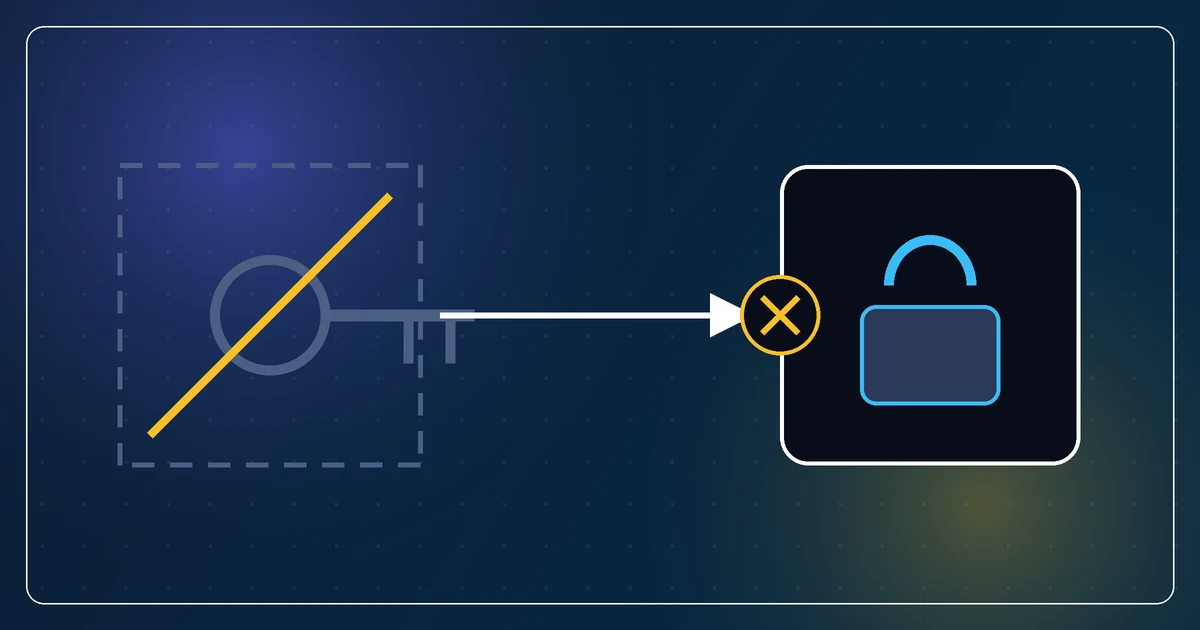
I asked my assistant to move an API key out of plaintext storage and into the iOS Keychain. It wrote the migration. The migration worked. Read the old value, write it to the Keychain, remove the plaintext copy.
On any device where the Keychain write failed, that sequence would have destroyed the user's key. Write fails, original deleted, key gone. No error shown, no way back.
The failure that found it
The Keychain write fails on the simulator. Unsigned builds have no keychain entitlement, so the call returns errSecMissingEntitlement and stores nothing. That is a well-known quirk and it is normally just an annoyance in development.
Here it was the test. Run the migration on the simulator: write fails, plaintext copy removed anyway, key gone. The sequence was unconditional. It did not check whether the write had succeeded before deleting the source.
We only saw it because I asked to run the failure path on purpose. If the migration had been tested the usual way, on a signed device where the Keychain works, it would have passed every time and shipped. Then it would have met the first real device with a keychain problem, of which there are more than you would hope, and eaten someone's credential.
For a move, the failure path is the only path that matters
Think about what "move data from A to B" can do on the happy path. It reads A, writes B, deletes A. Nothing can be lost, because B holds the value before A is deleted. The happy path is incapable of destroying data.
So testing the happy path tells you almost nothing about the migration's safety. Every interesting outcome lives on the failure path, and the failure path is the one nobody runs because it requires making something fail.
The fix:
- Write to the new store.
- Read the value back from the new store and compare it to the original.
- Only if they match, delete the old copy.
- Keep a fallback reader for the old location, so a device where step two never passes still works. It just stays unmigrated until it can be.
Step two is the whole fix. A write that returned success is not the same as a store that holds the value. Reading it back is the only way to know.
When your test environment breaks the destination, that is the test
I nearly waved the simulator away. "The Keychain doesn't work there, test it on a device." That is true, and it is exactly backwards. An environment where the destination is unavailable is not a reason to skip the test. It is a free, reliable way to run the one path that matters.
Look for this in your own setups. Any time you catch yourself saying "that fails in test, ignore it", ask whether the failing thing is the thing your migration needs to survive.
The assistant was right about the code
Nothing in the migration was badly written. It was clean, idiomatic, and did what I asked. The gap was in what I asked. "Move the key to the Keychain" describes the happy path, and the assistant delivered the happy path.
What I should have said was: "Move the key to the Keychain. The old copy may only be removed once the new one has been read back and matches. Show me what happens when the Keychain write fails." That is a specification of the failure path, and an assistant given that specification writes the safe version first time.
Three sentences. It would have saved a bug that, with ordinary luck, would have surfaced as a one-star review that said "lost my settings after the update".