Your Cloudflare Deployment Is Green, but Is Your Real Domain Live?
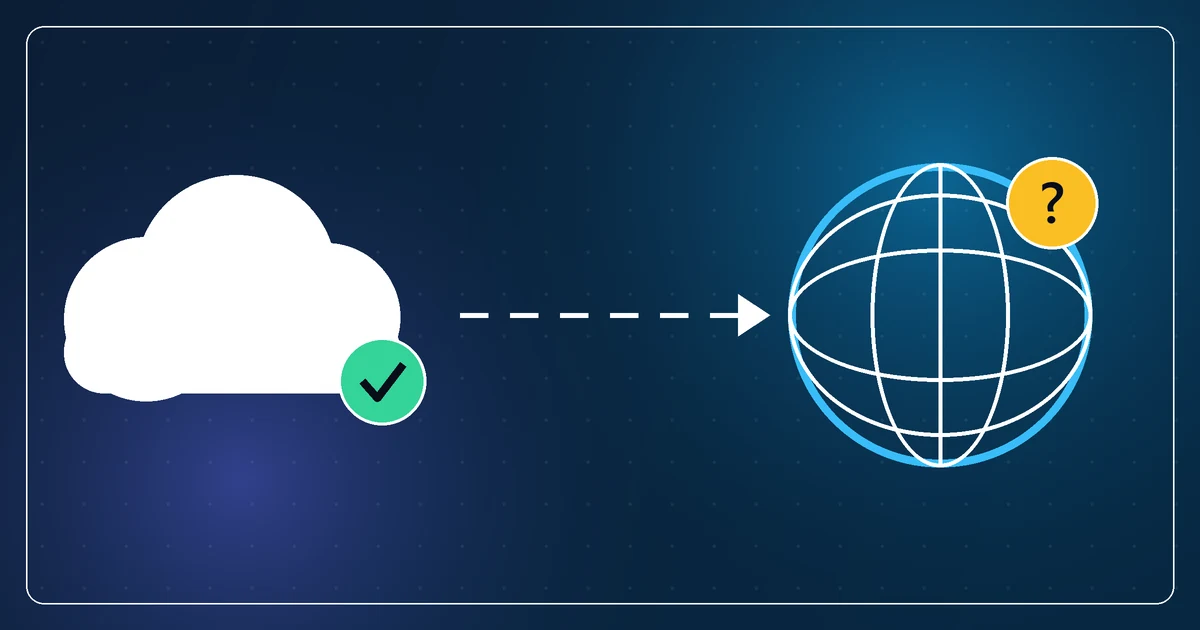
Cloudflare Pages gave me a success message and a new deployment URL.
The production build had passed. The files had uploaded. The blog page returned successfully at a generated .pages.dev address. An optimised WebP image loaded there too.
Everything looked finished.
Then I asked the question that should be part of every deployment:
Is the real public domain serving this version?
The generated preview URL proved that Cloudflare had the files. It did not prove that visitors at www.dnddiceroller.com were seeing them.
There are two different things to verify
A platform deployment URL and your public domain are connected, but they are not the same test.
The preview can work while the custom domain has a problem with:
- DNS records
- project-domain attachment
- redirects
- SSL configuration
- caching
- a different production branch
- an older deployment still being served
None of those faults necessarily makes the upload fail.
This is why "deployment successful" should be read narrowly. It means the deployment operation succeeded. It does not guarantee the whole path from a visitor's browser to the new content is correct.
What I checked
The final verification covered three public URLs:
- The homepage on the real domain
- The blog page on the real domain
- One of the newly converted WebP images on the real domain
All three returned successfully, and the image was served as WebP.
Checking a changed asset is important. A homepage can return 200 while still serving an older cached release. A new filename or recently changed file gives you better evidence that the current deployment has reached production.
If the release changes JavaScript or CSS, I would check one of those assets too. If it changes a specific article, I would load that article rather than stopping at the homepage.
Follow the visitor's route
My deployment checklist now works from the outside in.
Start with the real URL. Use the address a visitor will type or reach from a search result.
Open the changed page. Do not assume the homepage proves every route works.
Request a changed asset. This helps distinguish the new deployment from a cached older one.
Check redirects. Confirm that www, the apex domain, and HTTP requests land on the intended canonical HTTPS address.
Look at the browser, not just the status code. A 200 response can still contain an error page, broken layout, or missing content.
For a small static site, this takes a minute. It is one of the highest-value minutes in the release.
Preview URLs are still useful
The lesson is not that .pages.dev URLs are bad. They are excellent for isolating problems.
If the preview fails, the issue is probably in the build, uploaded files, or platform deployment.
If the preview works but the custom domain fails, the problem is more likely in domain mapping, DNS, redirects, or caching.
That distinction makes troubleshooting faster. The preview is a diagnostic checkpoint, not the final destination.
It is also useful for reviewing a deployment before it becomes public. You can inspect the exact uploaded version without changing the main domain first.
Automation needs the same distinction
A deployment script can report success as soon as the upload command exits cleanly. That is useful, but incomplete.
A stronger release check follows the upload with read-only requests to:
- the public homepage
- the changed route
- a changed static asset
For important releases, the check should also confirm expected content, not merely an HTTP 200. Looking for a known title, version string, or asset type provides better evidence.
The key is to keep the claims precise:
- "Upload completed" means the platform accepted the deployment.
- "Preview verified" means the platform URL serves it.
- "Production verified" means the public domain serves the expected result.
Those are three different milestones.
Green is the start of verification
Deployment dashboards are designed to give fast, clear feedback. A green tick feels final, which is why it is easy to stop there.
But users never visit your deployment log. They visit your domain.
The release is complete when the real route they use serves the right page and the right assets. Until then, the green tick is promising evidence, not proof.